


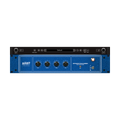

Overview
In desperate need of reverb in a mix, Chris connected his personal Tall Bird unit to his console and modified it by adding a longer three spring tank. He then realized while the stock tank sounded great on guitar, the added long tank coupled with the drive circuitry from the Tall Bird was suitable for practically everything else creating a smooth and rich haunting reverb to the source. After many refinements and adding an EQ, the Studio Tall Bird was born.
Accurately modeled by using proprietary convolution response techniques to closely match how the two short and long spring tanks respond to a signal, specifically in regards to the clipping and distortion characteristics of the original unit.
By modeling two sets of separate reverb tanks, we were able to create a versatile tool for mixing by allowing reverb to be applied in stereo.
We present, MixWave: Benson Studio Tall Bird.
Take a listen
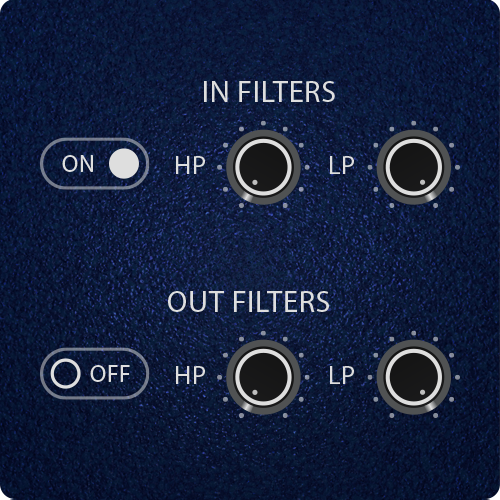
Built-in tools for instant mix-ready results
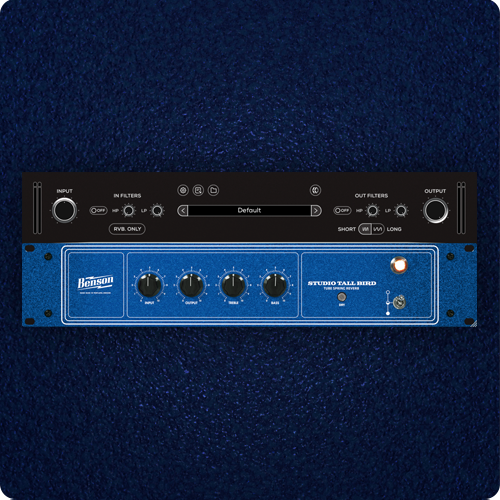
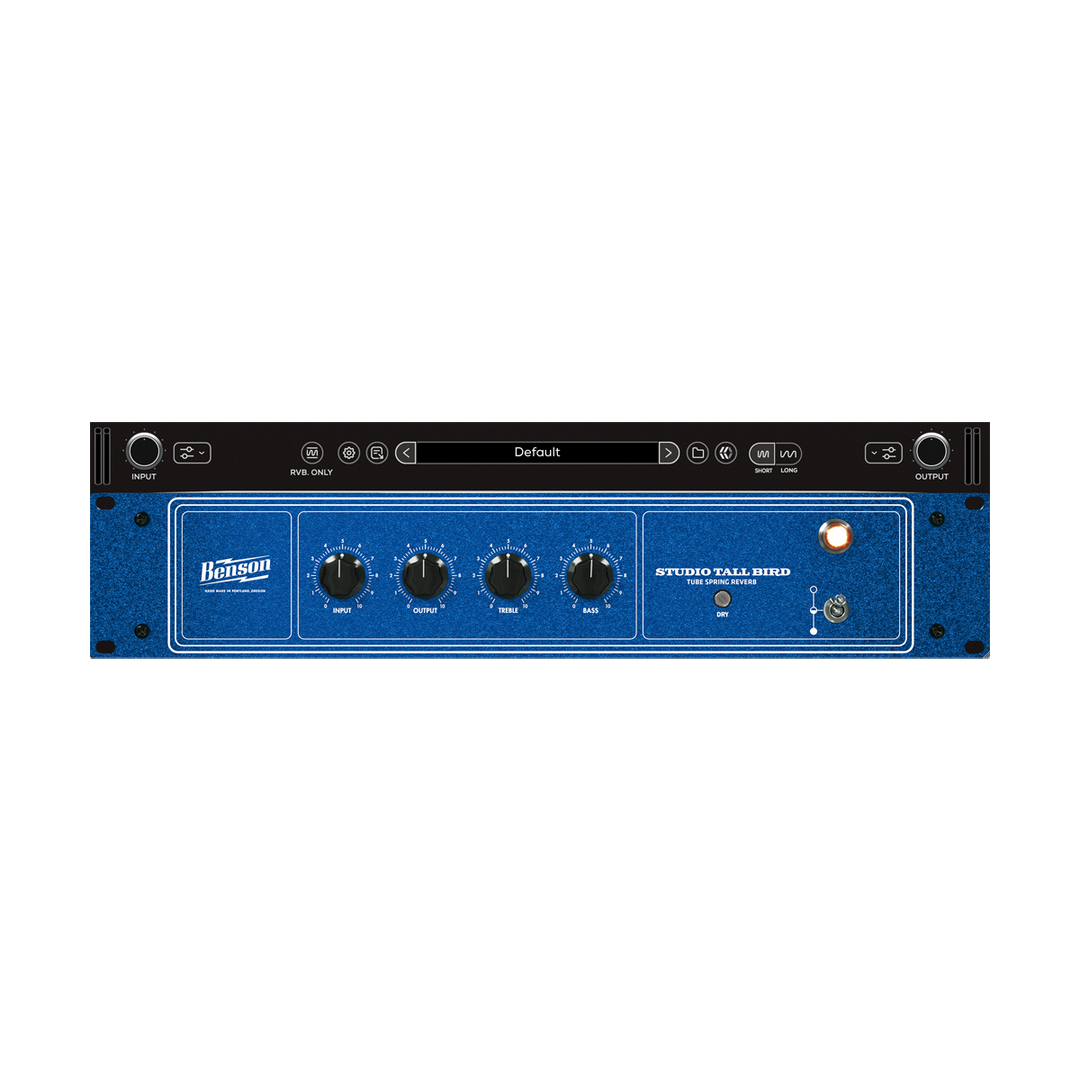
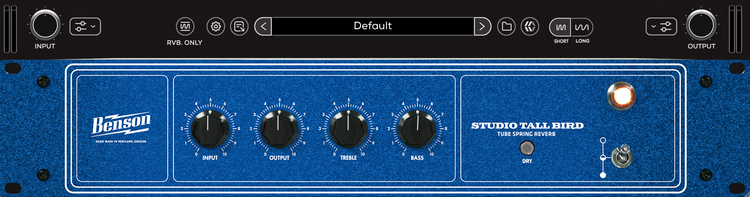
Fully featured user interface

Works beautifully on mono or stereo signals
Featured in

System requirements
Available in 64-bit VST3 / AU / AAXmacOS 26 (Intel & Silicon Native)
Windows 11 (64-bit)
iLok License Manager & iLok account required (Free)
Authorization via iLok 2/3, iLok Cloud & Machine
For more system requirements information, visit our Support Page.
FAQs
Yes, fully functional 14-day free trials are available. See eligible plugins.
MixWave plugin licenses include two activations. Activations can be used on an iLok USB, a machine activation, or iLok Cloud.
To use MixWave plugins you will need a compatible DAW that supports VST3, AU, or AAX plugins, an iLok account (free), and iLok License Manager (free).
A physical iLok USB dongle is optional. Plugins can also be activated using machine authorization or iLok Cloud.
MixWave plugins work with most modern DAWs that support VST3, AU, or AAX formats. For a full list of tested and supported DAWs, see our DAW Compatibility article.
It's recommend to start a free trial to test the plugin on your system before committing to a purchase.
MixWave plugins are supported on macOS and Windows systems and are available in VST3, AU, and AAX formats. For complete compatibility details, including recommended operating systems, supported DAWs, and additional requirements, please visit our Plugin System Requirements article.
It's recommended to start a free trial to verify compatibility on your system before purchasing.
Visit our Knowledge Base for more information.