



MAKE VOCAL DESTROY.
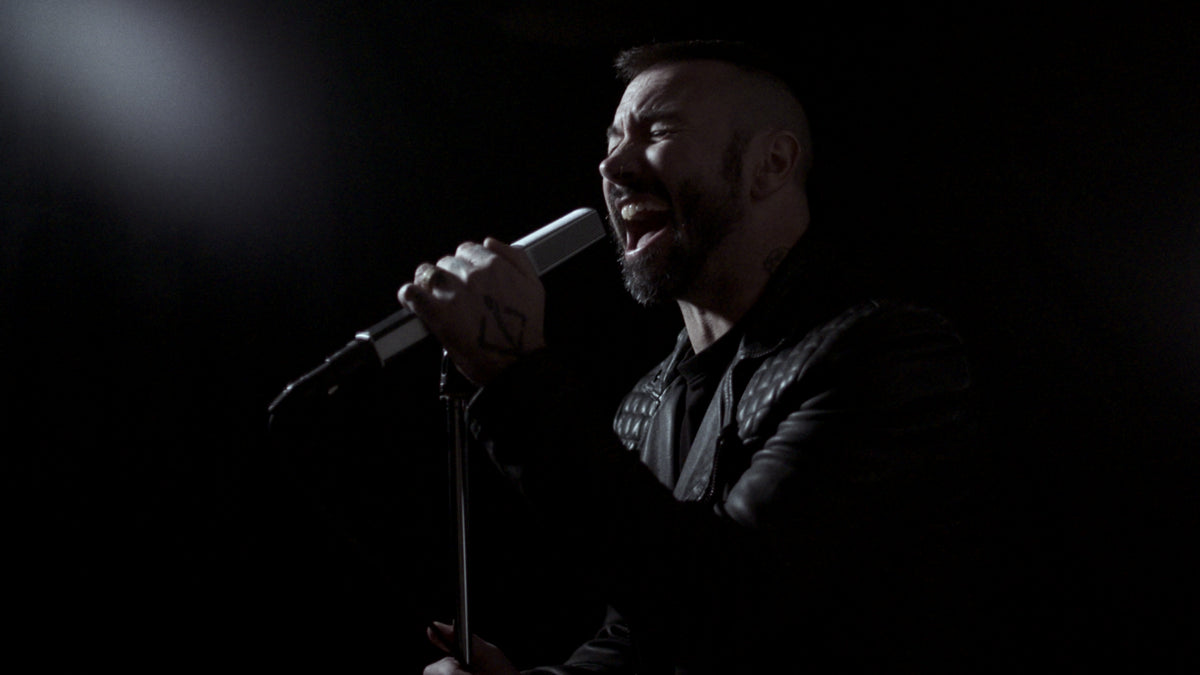
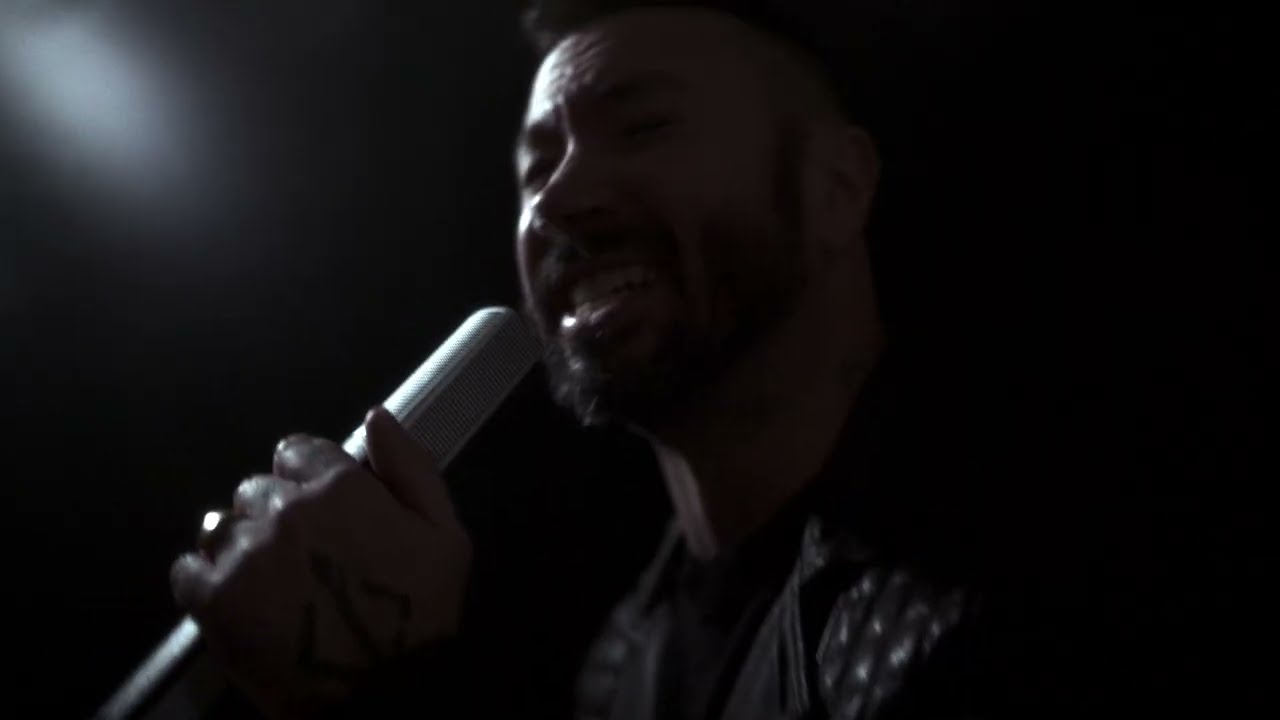
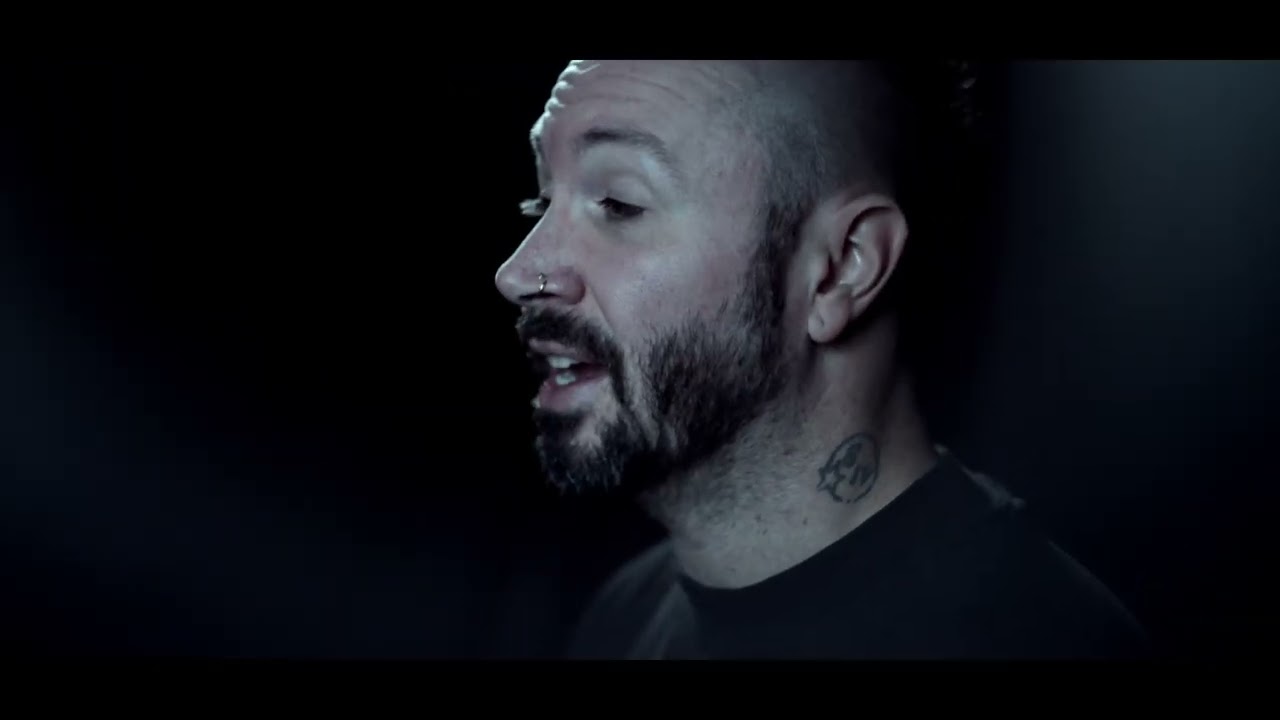
As the voice of Periphery, Spencer Sotelo brings soaring melody and visceral aggression to the forefront of modern progressive metal. His expressive cleans and ferocious screams cut through the band’s intricate arrangements with unmistakable power and character.
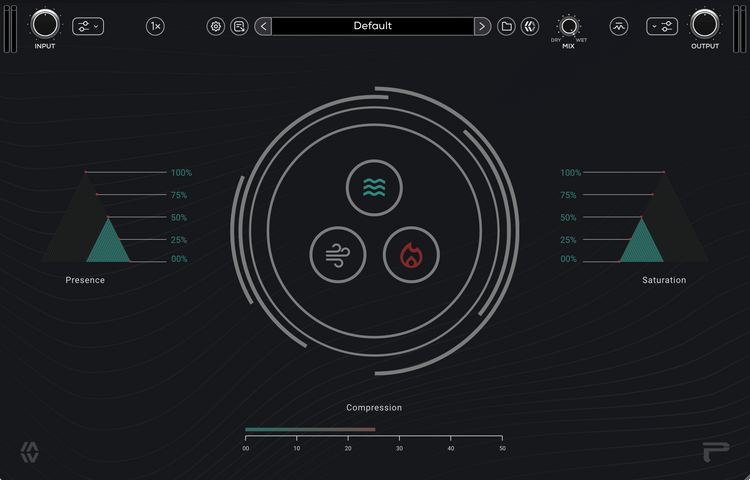
Developed alongside Spencer, the plugin is modeled on the tools and sounds used to shape his vocals on every record since Periphery II. Each component is fine-tuned to his signature sound, bringing presence, control, and harmonic character into a focused yet versatile creative tool.


Compression
Put power behind every phrase. A modern power compressor with an analog twist, it gives vocals and instruments the punch, density, and control to command a mix. Drive soaring cleans forward and give screams more weight.


Presence
Bring every detail forward. Modeled after a tube line amplifier circuit, Presence adds lift and character at a musical frequency that works on nearly every source. Reveal the air and articulation in a vocal, open up an instrument, or add life to a dull signal.


Saturation
Add teeth to your sound. Built around the character of analog distortion and completely dialed in for vocals and screams, Saturation delivers rich harmonics, grit, and bite. Give vocals and instruments the edge to cut through a dense mix or push screams into ferocious territory.
Built for
modern workflows.
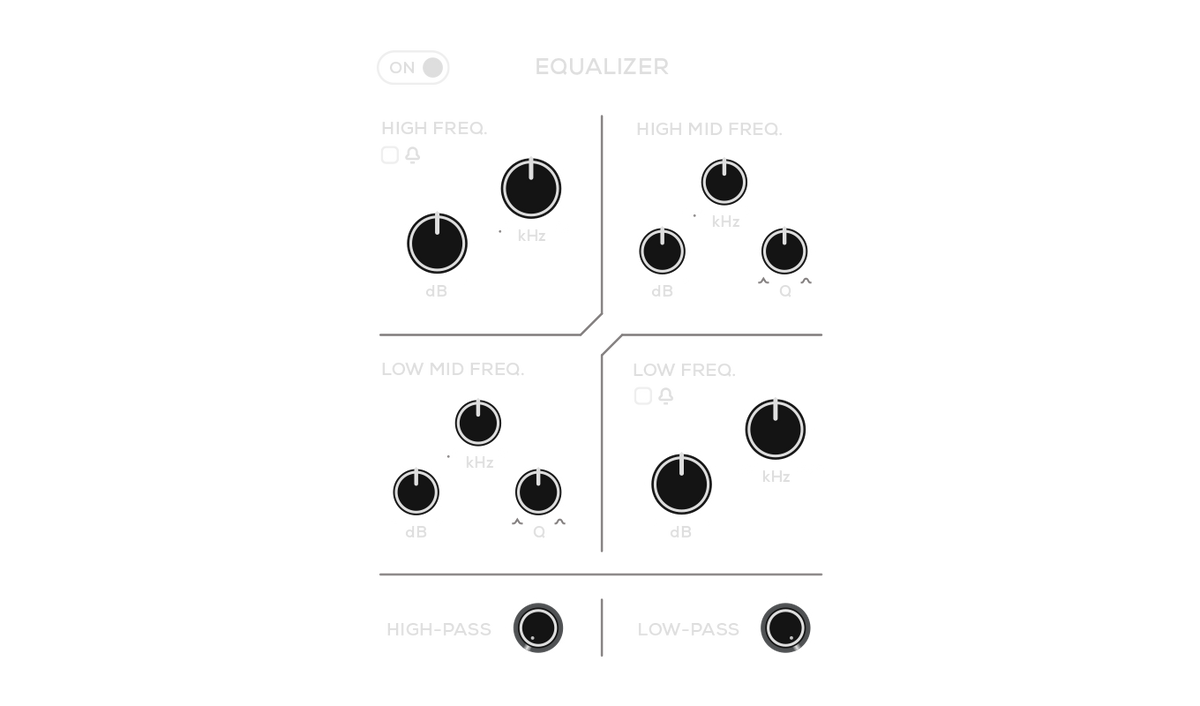
Equalizer
Shape the input signal with the integrated console-inspired EQ.
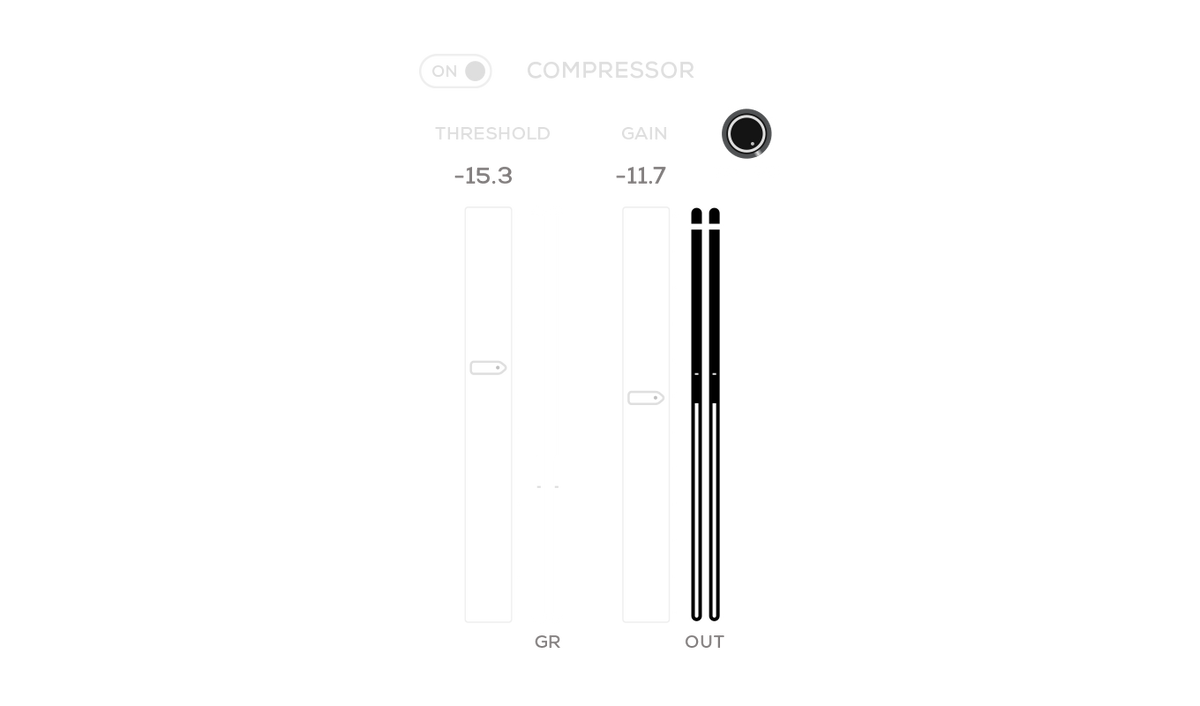
Compressor
Control dynamics with the integrated console-inspired compression.

Mono & stereo
Designed to work seamlessly with both mono and stereo sources.
Oversampling
Enable up to 8x oversampling for pristine audio quality.
Limiter
Keep peaks under control with the global output limiter.

System requirements
Available in 64-bit VST3 / AU / AAXmacOS 26 (Intel & Silicon Native)
Windows 11 (64-bit)
iLok License Manager & iLok account required (Free)
Authorization via iLok 2/3, iLok Cloud & Machine
For more system requirements information, visit our Support Page.
FAQs
Yes, fully functional 14-day free trials are available. See eligible plugins.
MixWave plugin licenses include two activations. Activations can be used on an iLok USB, a machine activation, or iLok Cloud.
To use MixWave plugins you will need a compatible DAW that supports VST3, AU, or AAX plugins, an iLok account (free), and iLok License Manager (free).
A physical iLok USB dongle is optional. Plugins can also be activated using machine authorization or iLok Cloud.
MixWave plugins work with most modern DAWs that support VST3, AU, or AAX formats. For a full list of tested and supported DAWs, see our DAW Compatibility article.
It's recommend to start a free trial to test the plugin on your system before committing to a purchase.
MixWave plugins are supported on macOS and Windows systems and are available in VST3, AU, and AAX formats. For complete compatibility details, including recommended operating systems, supported DAWs, and additional requirements, please visit our Plugin System Requirements article.
It's recommended to start a free trial to verify compatibility on your system before purchasing.
Visit our Knowledge Base for more information.
