



Overview
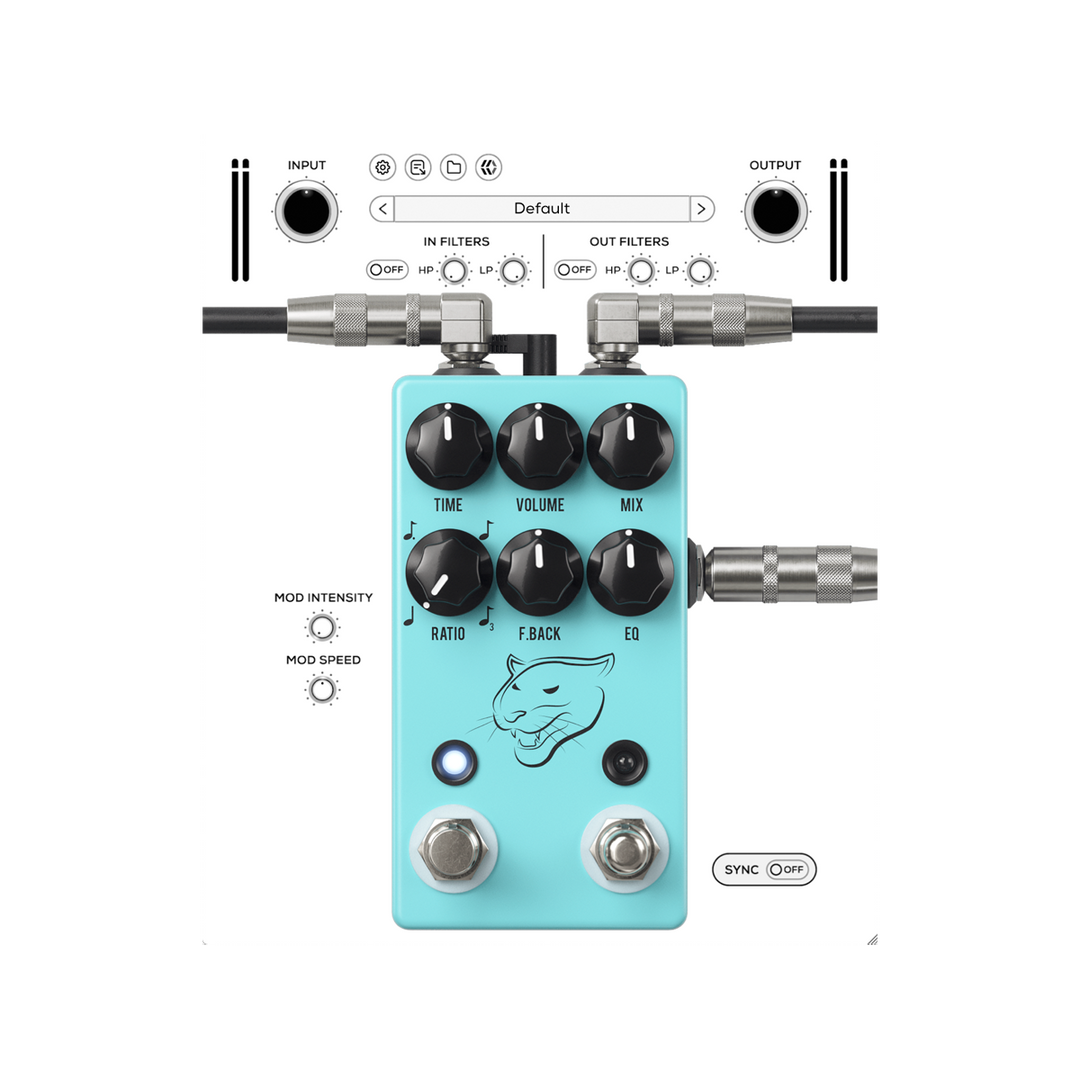
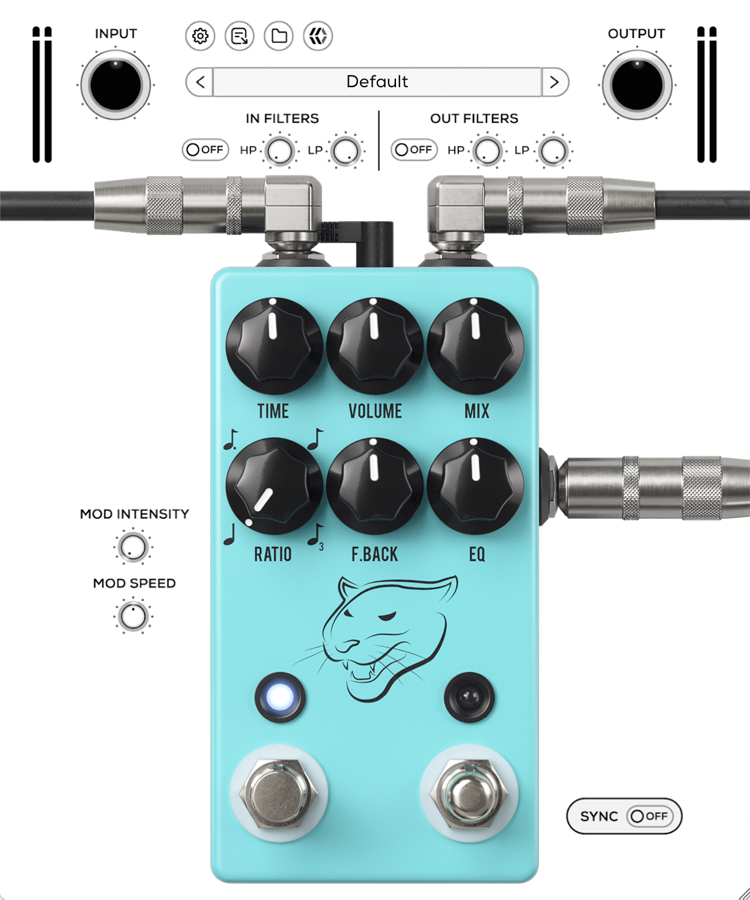
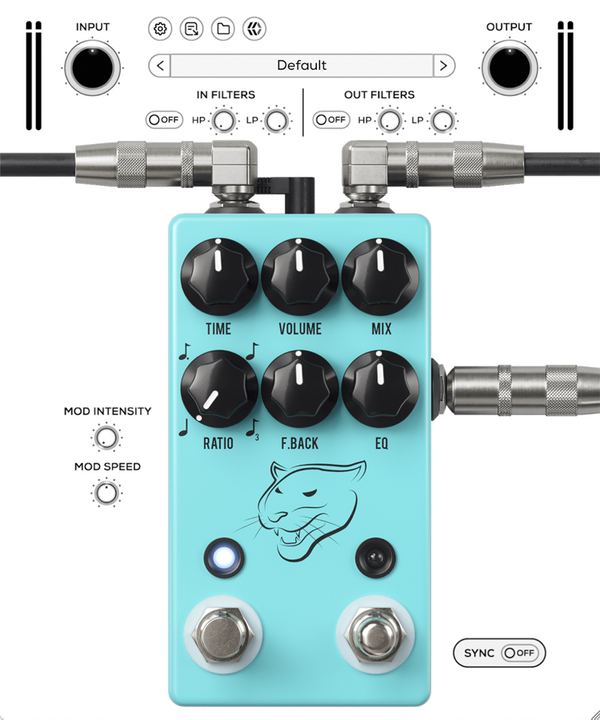
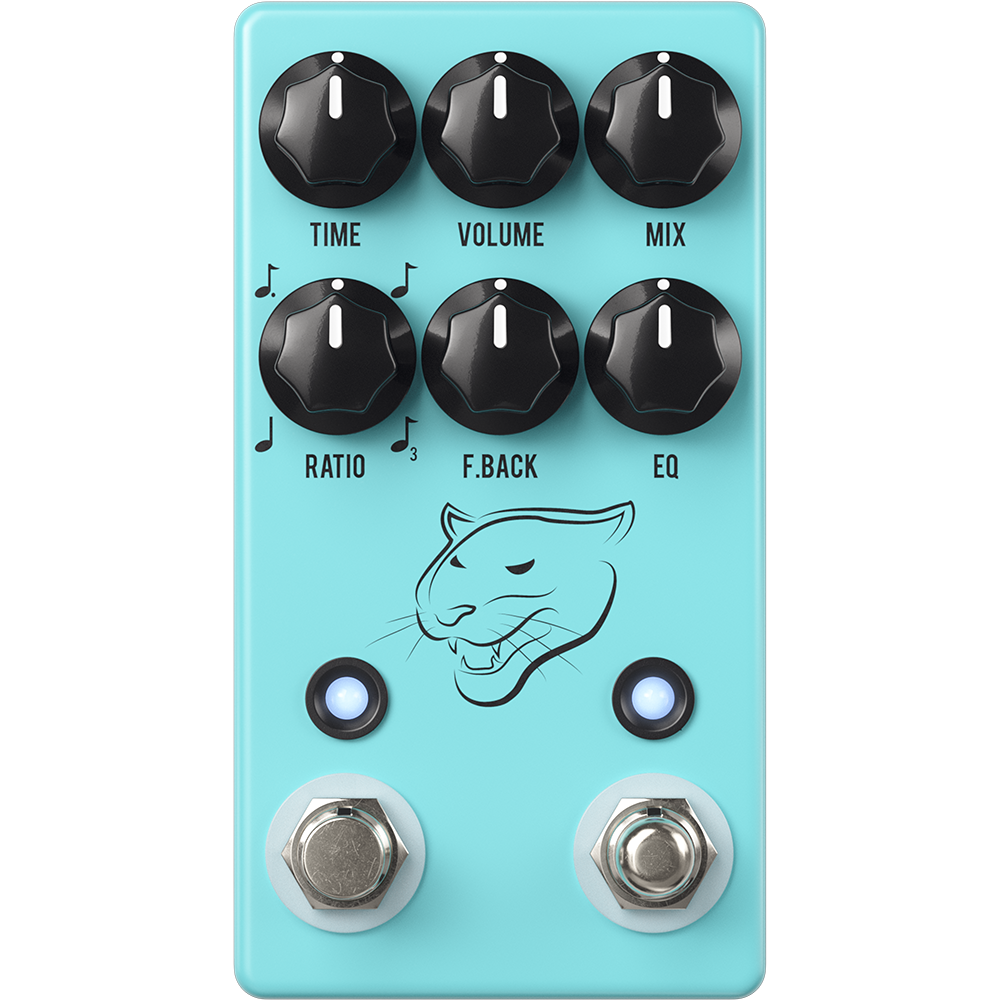
A richly detailed emulation of JHS’s discontinued Panther Cub V2, bringing the lush warmth of analog-style bucket brigade delay to modern production. With up to 1,000ms of delay time, tap tempo, and expressive modulation, it offers everything from subtle echoes to deep, evolving textures.
Modeled at the component level, it captures the organic character of the original hardware while offering the precision and flexibility of digital control.
Introducing, MixWave: JHS Panther Cub.
Vintage delay, modern control
The Panther Cub’s analog-style repeats sit perfectly in the mix, maintaining clarity while adding depth and dimension. Use the onboard modulation to shape movement and texture in real time.
Timing is everything
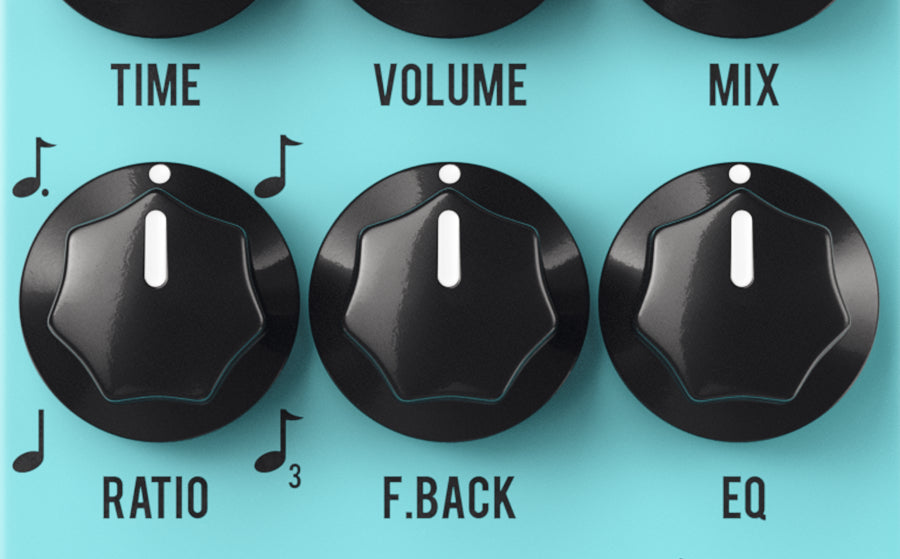
With selectable subdivisions—including quarter, eighth, dotted eighth, and triplets—you can lock your delay to any groove for perfect timing and rhythmic expression.
Built for modern workflows
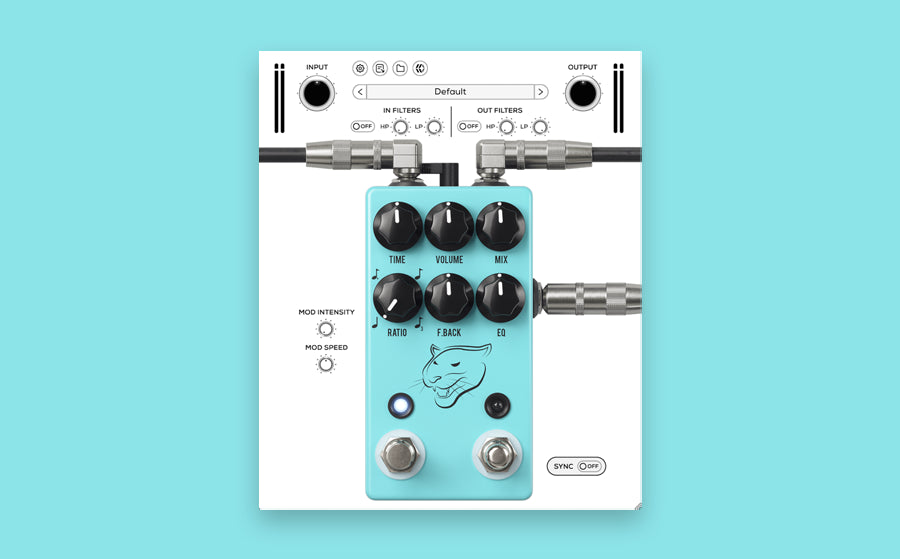
Exclusive plugin-only features enhance this delay for modern workflows. Get instant parallel processing with wet/dry mix controls, and use the input and output filters to high-pass or low-pass before and after the signal.
Included in the JHS Loud Is More Good Collection
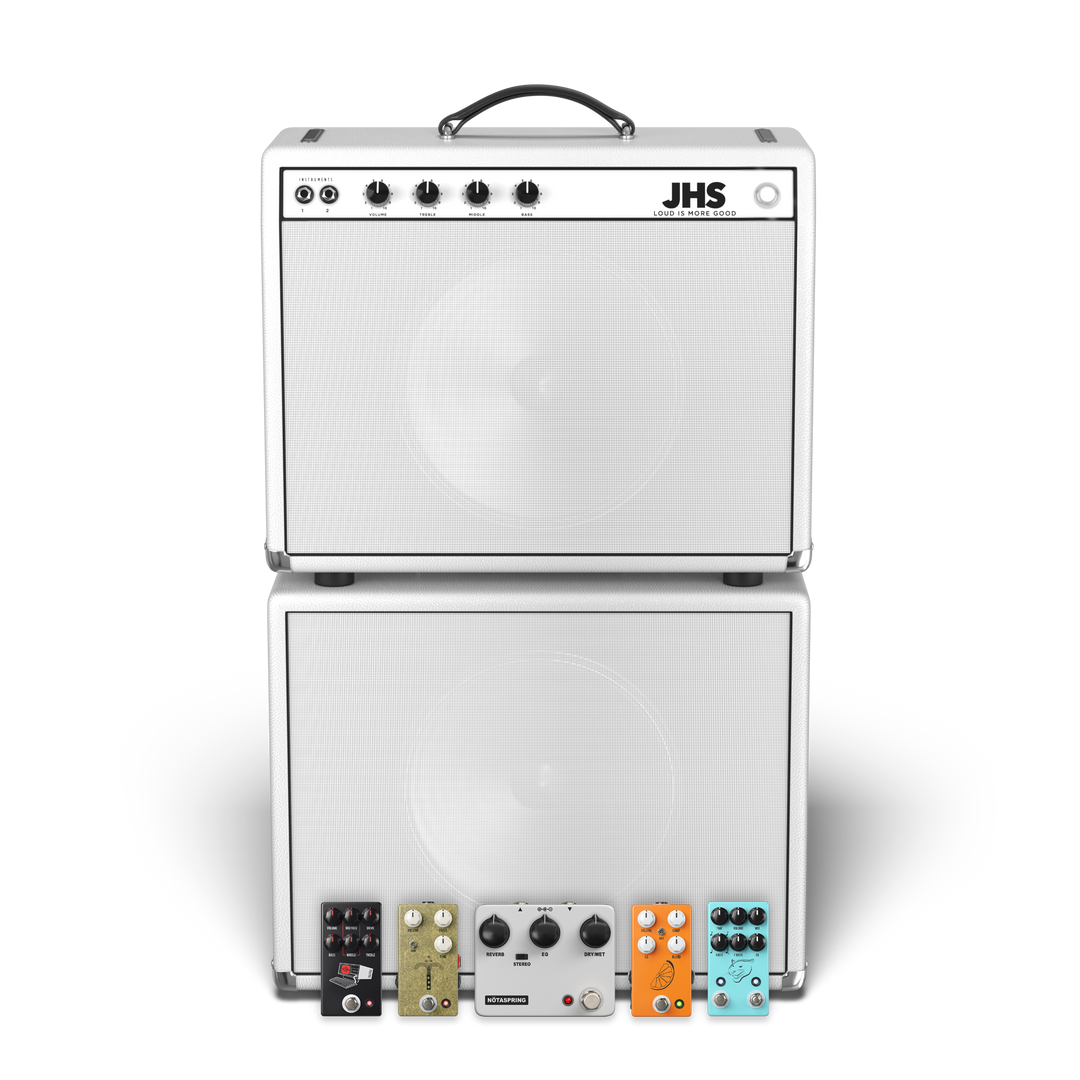
Get the JHS Panther Cub and more in the JHS Loud Is More Good Collection.
System requirements
Available in 64-bit VST3 / AU / AAXmacOS 26 (Intel & Silicon Native)
Windows 11 (64-bit)
iLok License Manager & iLok account required (Free)
Authorization via iLok 2/3, iLok Cloud & Machine
For more system requirements information, visit our Support Page.
FAQs
Yes, fully functional 14-day free trials are available. See eligible plugins.
MixWave plugin licenses include two activations. Activations can be used on an iLok USB, a machine activation, or iLok Cloud.
To use MixWave plugins you will need a compatible DAW that supports VST3, AU, or AAX plugins, an iLok account (free), and iLok License Manager (free).
A physical iLok USB dongle is optional. Plugins can also be activated using machine authorization or iLok Cloud.
MixWave plugins work with most modern DAWs that support VST3, AU, or AAX formats. For a full list of tested and supported DAWs, see our DAW Compatibility article.
It's recommend to start a free trial to test the plugin on your system before committing to a purchase.
MixWave plugins are supported on macOS and Windows systems and are available in VST3, AU, and AAX formats. For complete compatibility details, including recommended operating systems, supported DAWs, and additional requirements, please visit our Plugin System Requirements article.
It's recommended to start a free trial to verify compatibility on your system before purchasing.
Visit our Knowledge Base for more information.